> For the complete documentation index, see [llms.txt](https://docs.clarity.vote/llms.txt). Markdown versions of documentation pages are available by appending `.md` to page URLs; this page is available as [Markdown](https://docs.clarity.vote/account-management/delete-account.md).
# Delete Account
This page details the process to request deletion of your account and associated data from the Clarity services.
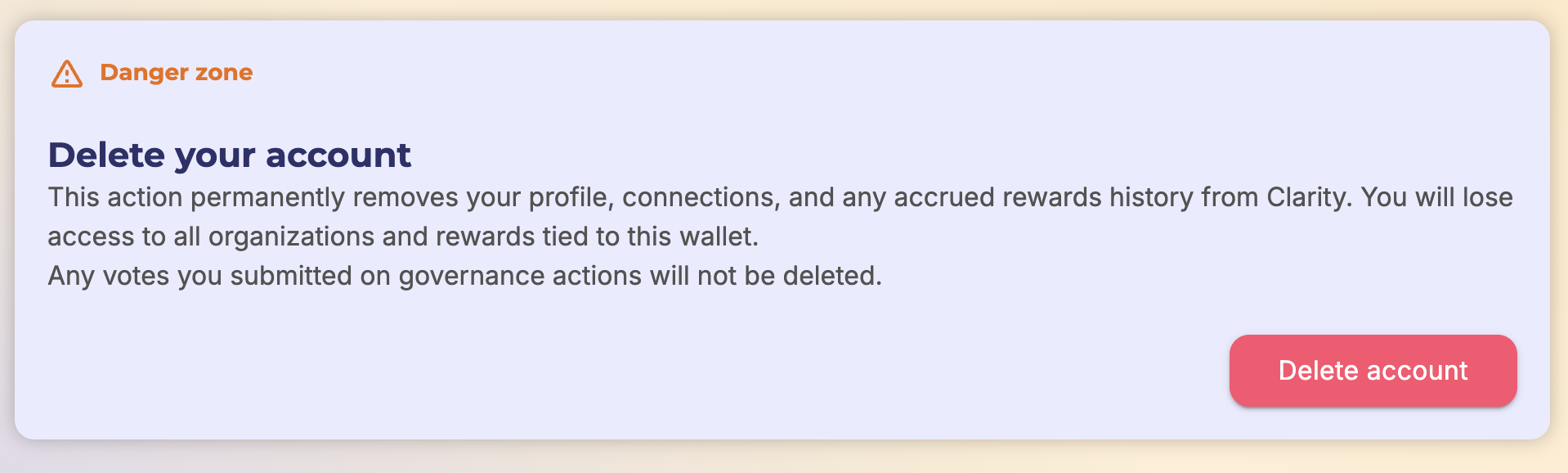
This process will immediately delete your account and all of it's data with 1 exception.
An account's votes on governance actions will be kept in order to sustain the integrity of the votes conducted on Clarity.
### Steps:
#### Step 1
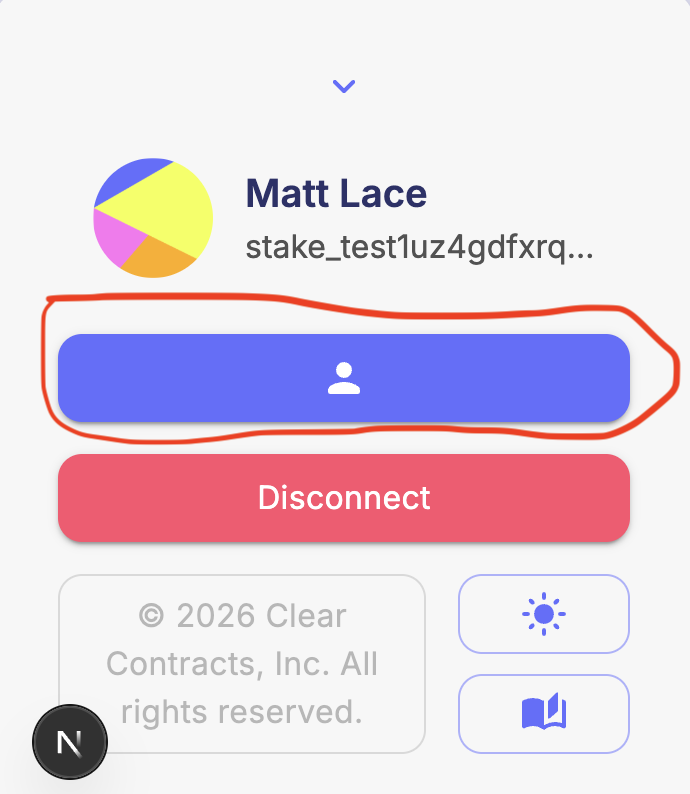
Sign into your account on clarity.vote and navigate to your profile page
#### Step 2
Scroll to the bottom of your profile page where you will find the section to delete your account
#### Step 3
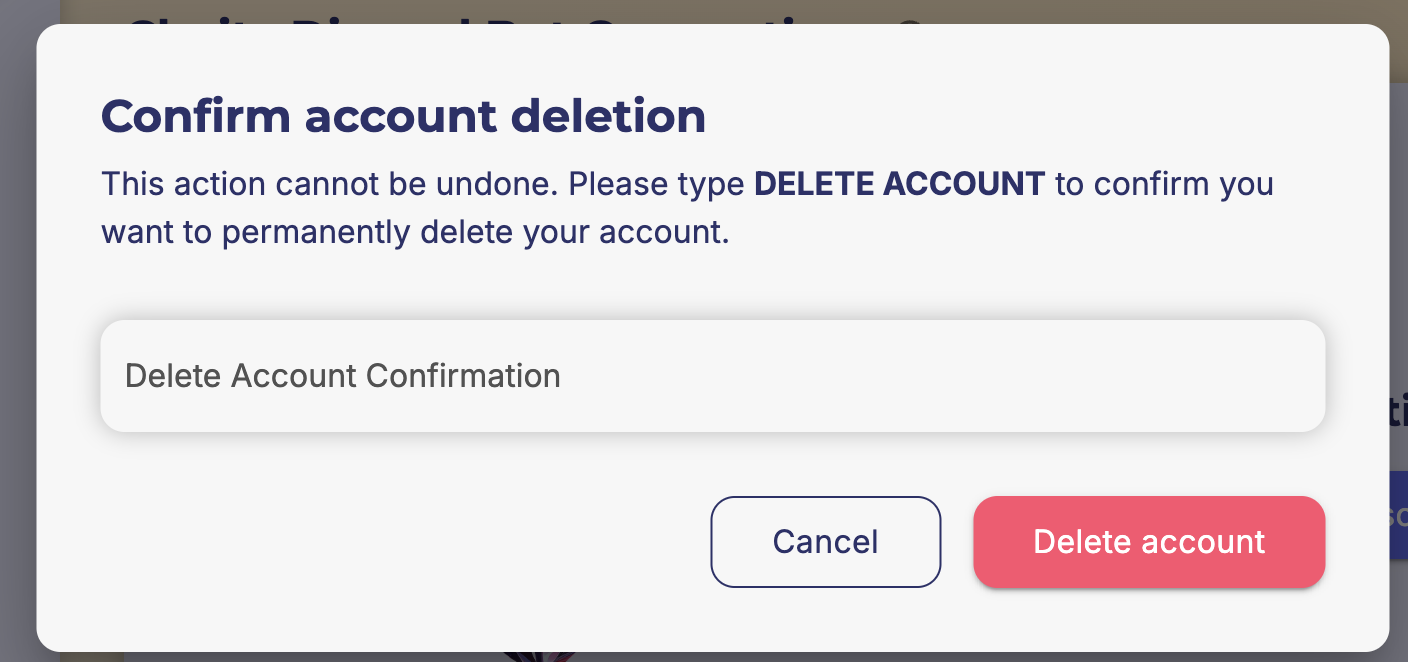
Enter the confirmation phrase
#### Step 4
Sign the message to verify your identity
If you encounter any issues with this problem, please reach to `support@clearcontracts.io`